Campaign strategy
Turn a brief into a channel-ready strategy with positioning, audiences and content angles.
Features
Marketing Commander brings campaign planning, content creation, and production into one intelligent workspace.
Live product
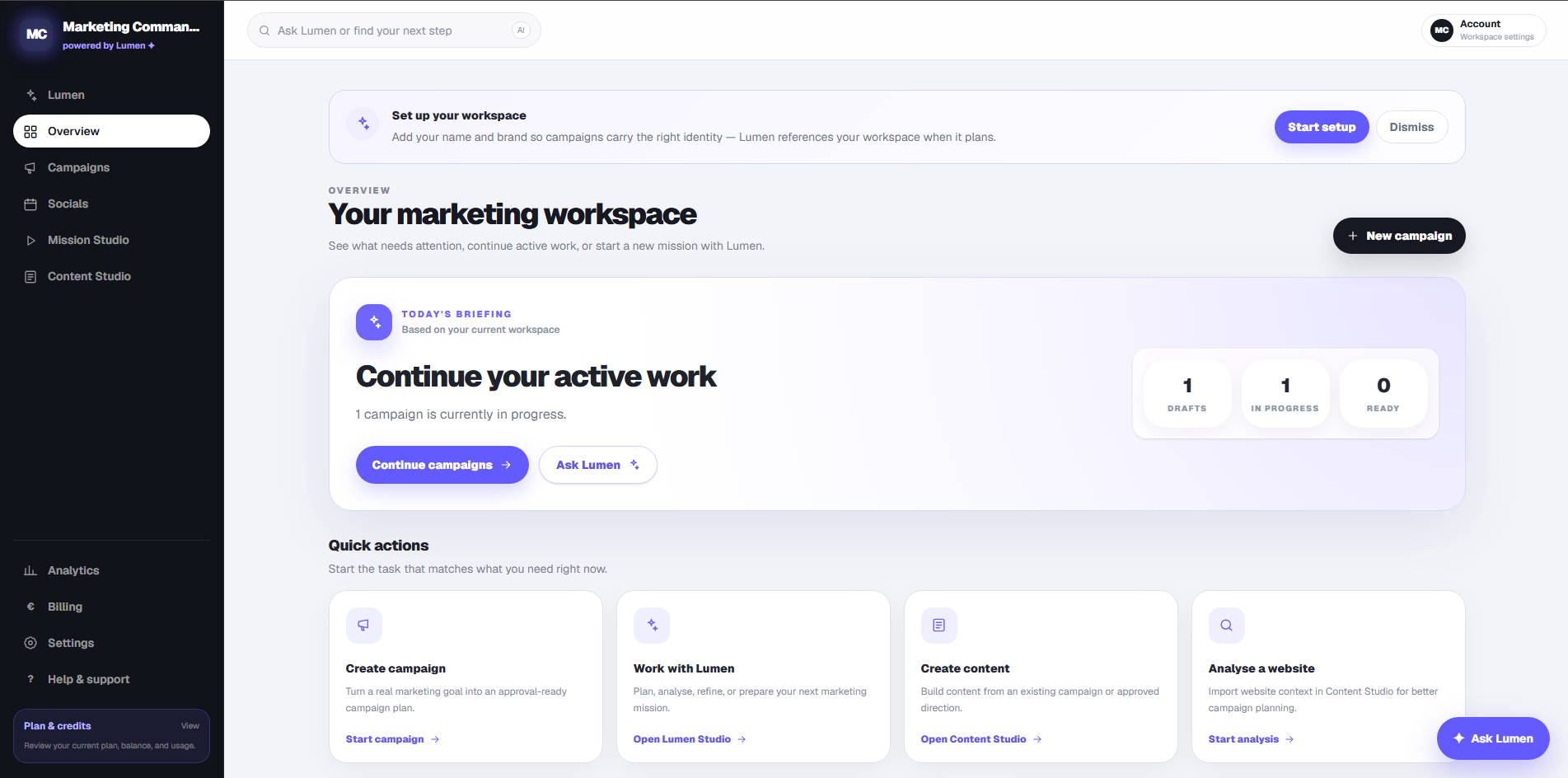
The workspace overview: what needs attention, active work, and where to start.
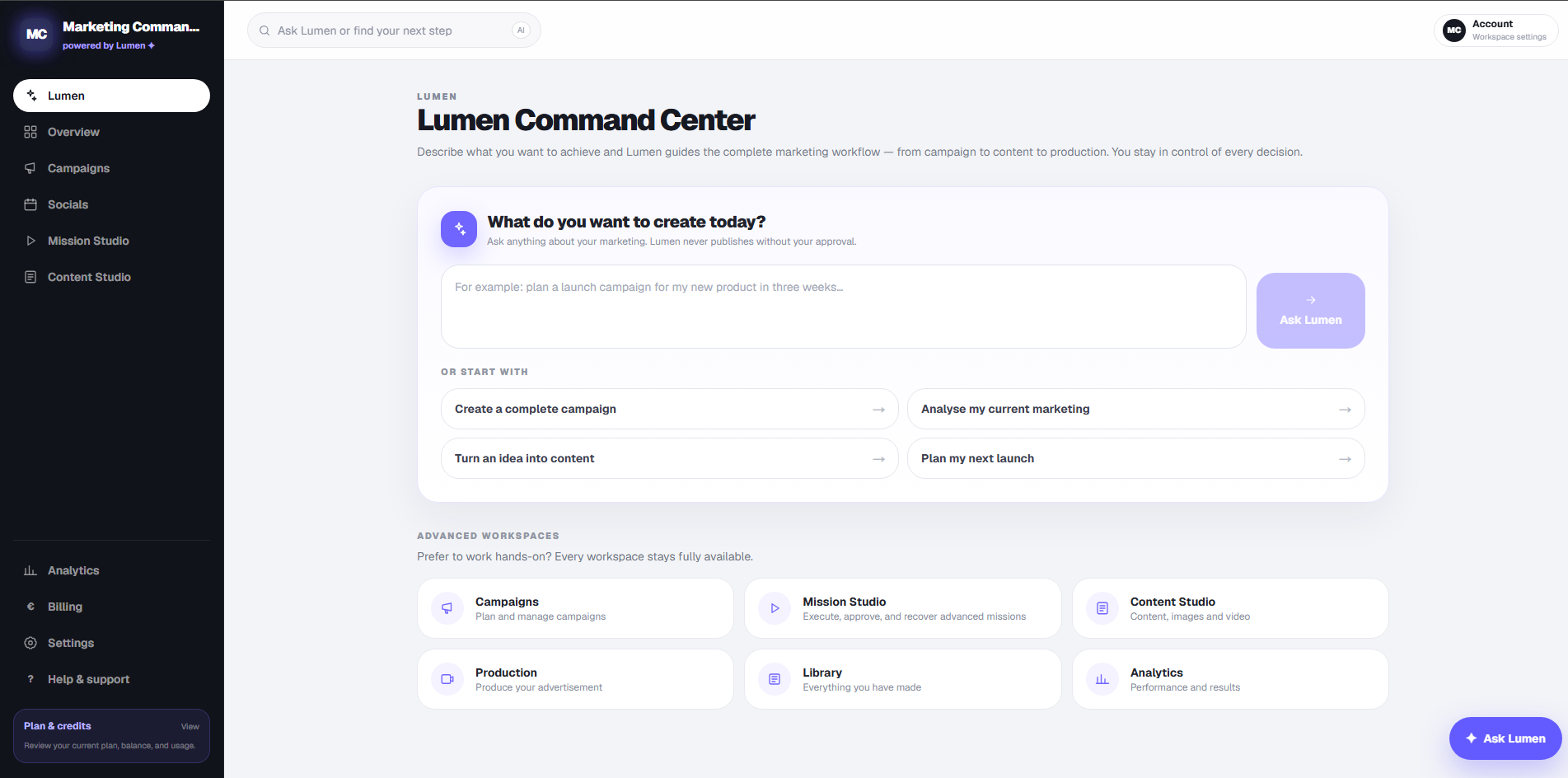
Lumen Command Center: describe the goal, Lumen guides the workflow, you stay in control.
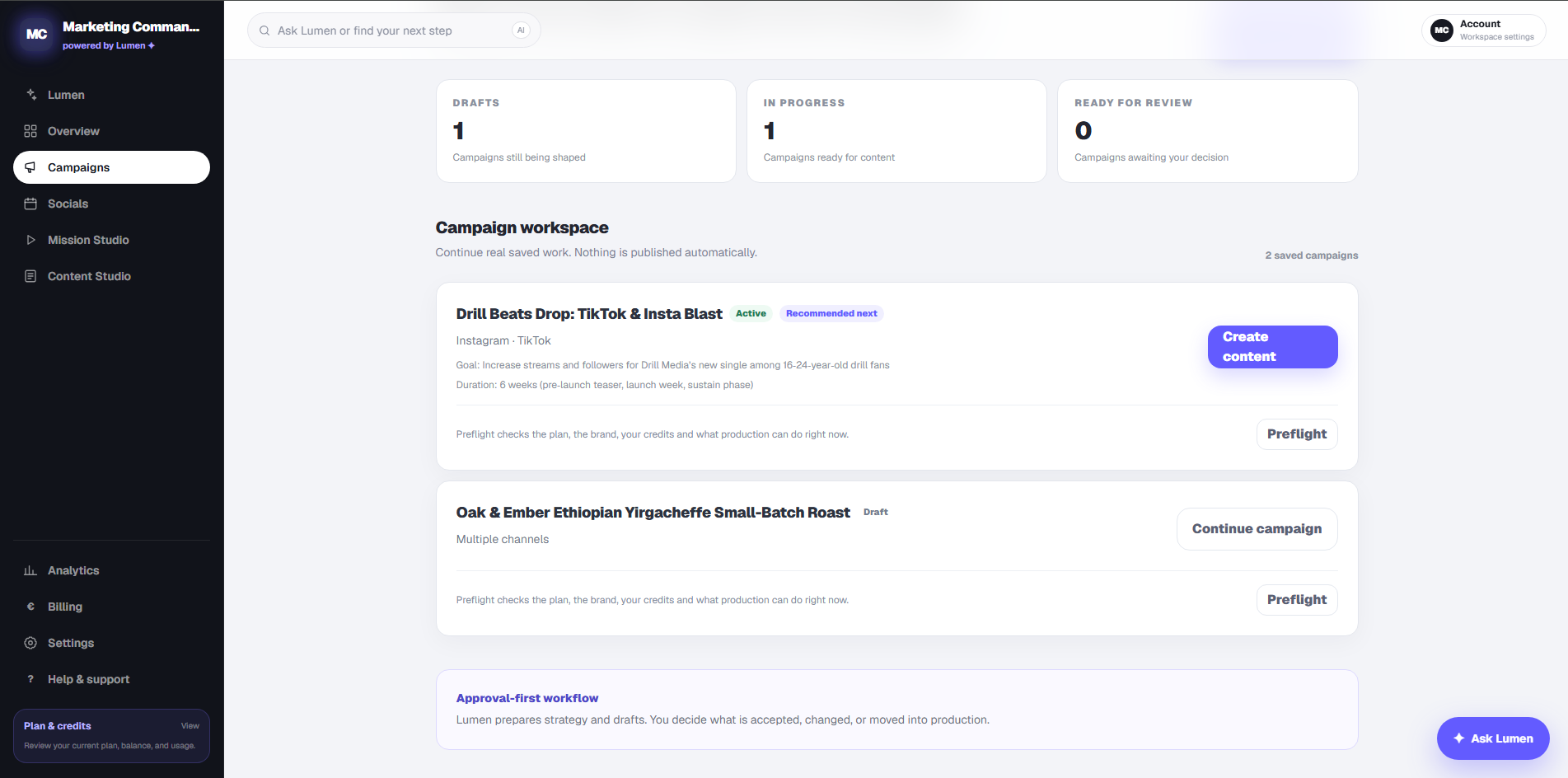
Saved campaigns with status, goal and preflight. Nothing is published automatically.
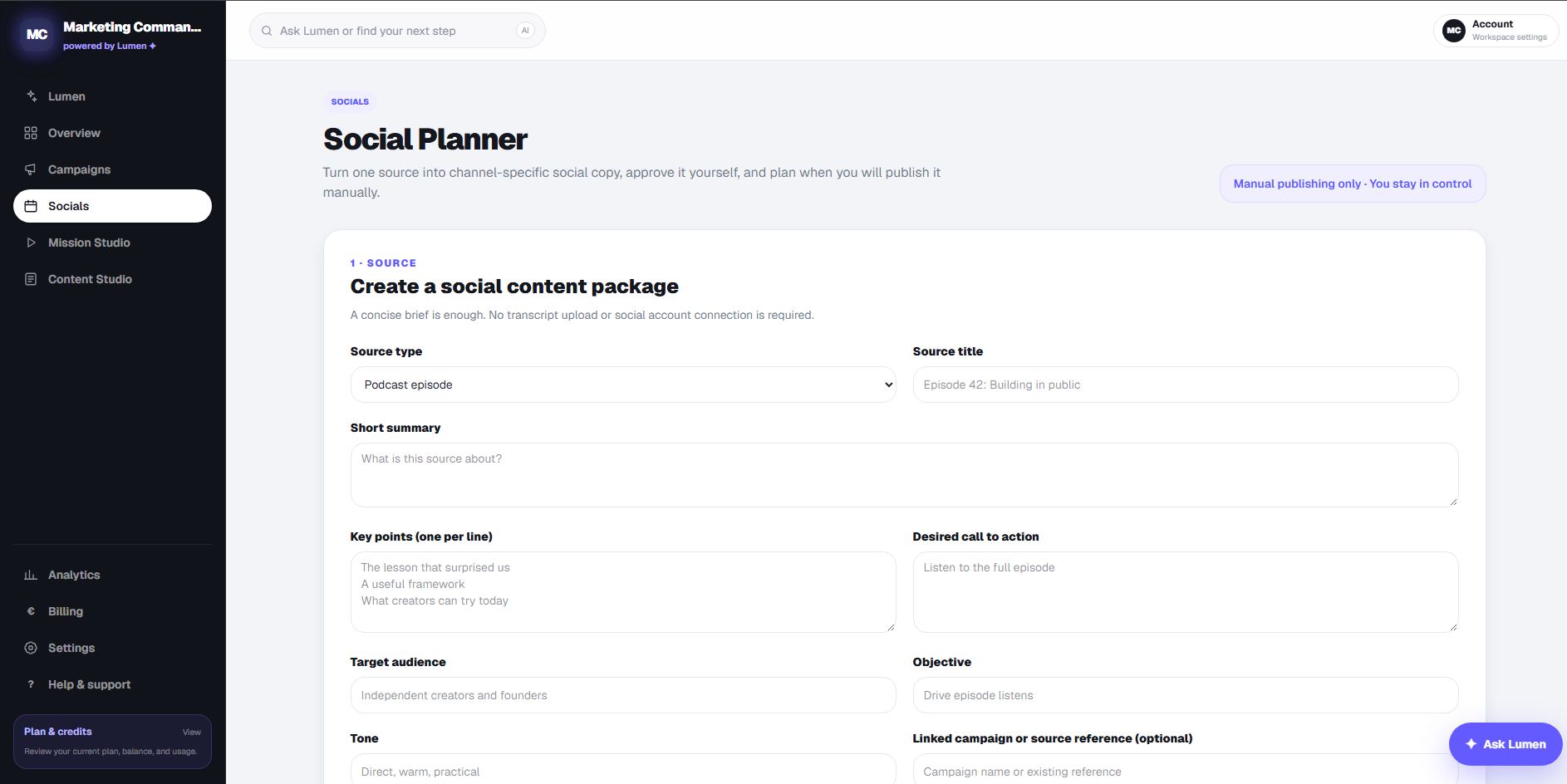
Social Planner: one source becomes channel-specific drafts you approve and publish yourself.
Plan
Turn a brief into a channel-ready strategy with positioning, audiences and content angles.
Lumen turns your goals and source material into a focused campaign brief.
Create
Develop copy, creative concepts, scripts and production-ready directions in one guided workspace.
Prepare multiple content formats from the same campaign context without rebuilding the brief each time.
Produce
Turn a campaign concept into a polished image direction and generate the visual from one workspace.
Plan scenes, prepare visuals and voice-over, and assemble video assets through a guided production flow.
Review
Review every asset Lumen prepares. Approve it, request changes or keep it in draft.
Keep concepts and assets organized as drafts until you are ready to approve the next step.
Bring one real marketing goal into the workspace and let Lumen prepare the next step.